ShotEasy Blog
Practical guides for screenshots, image editing, compression, file conversion, and browser-based productivity tools.
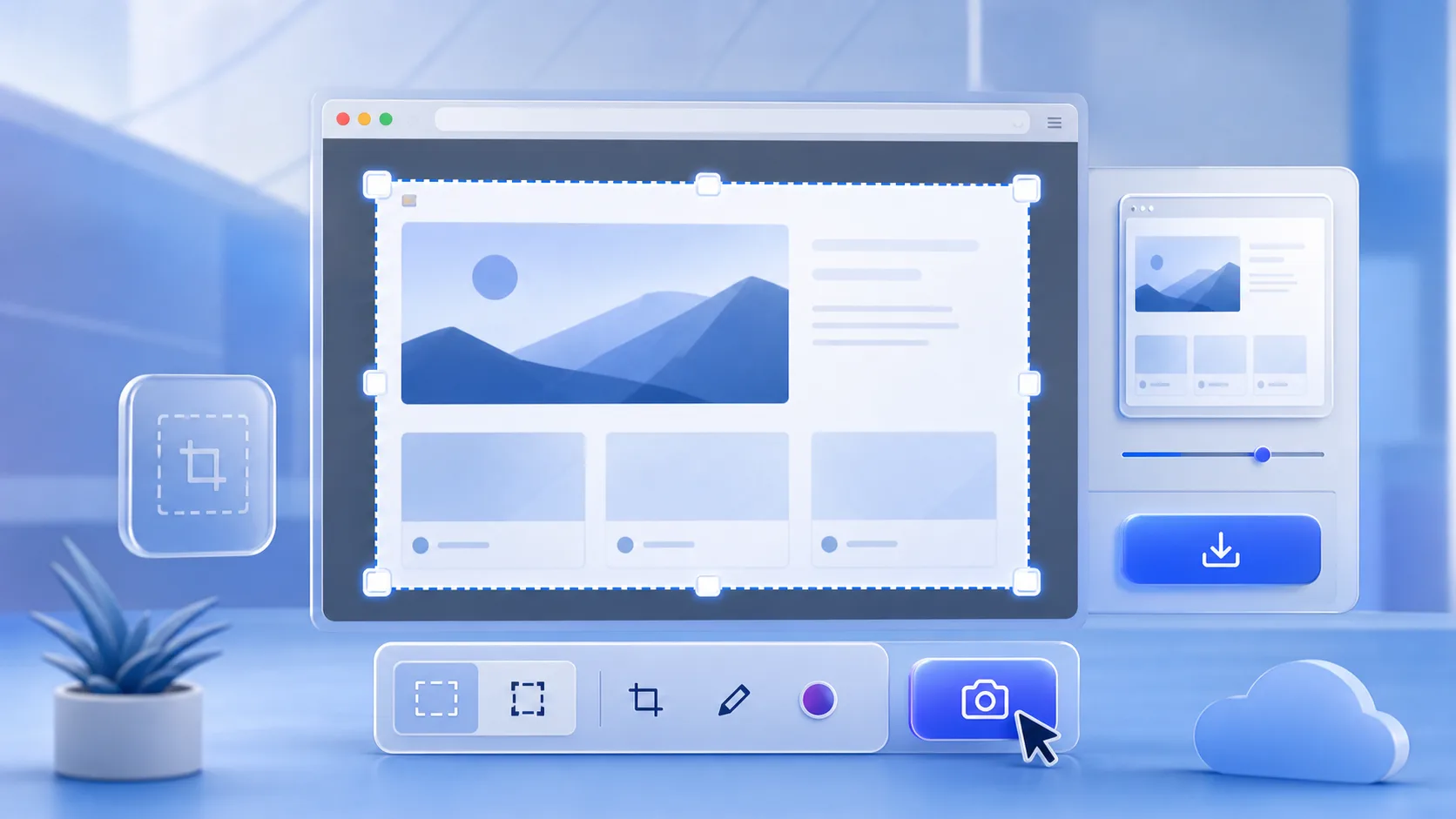
Understand how browser-based screenshot tools capture your screen, turn the capture stream into an image, and protect user permission.
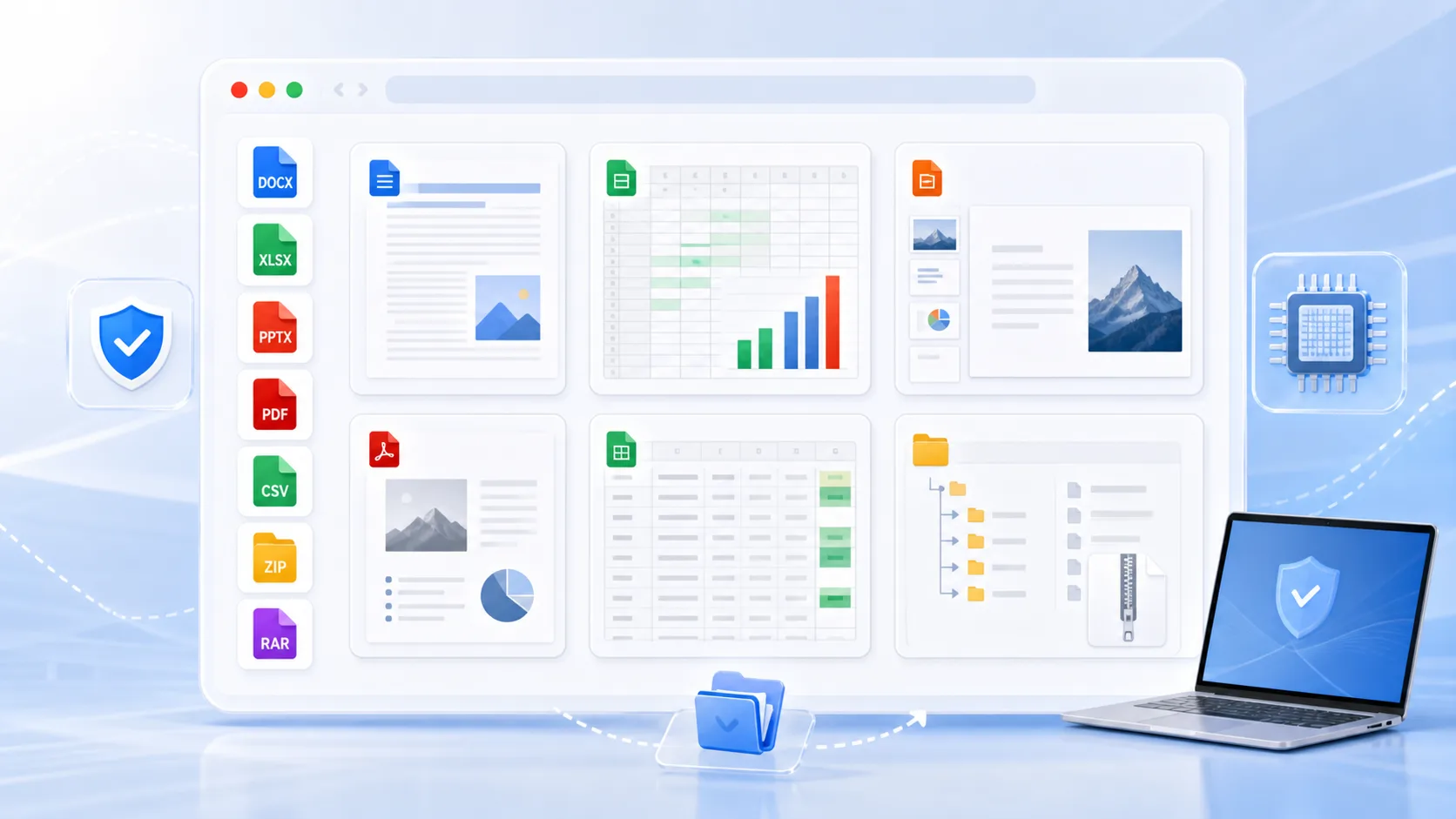
Use ShotEasy Office Viewer to open DOCX, XLSX, PPTX, PDF, CSV, images, text files, ZIP, and RAR archives in your browser without installing office software.
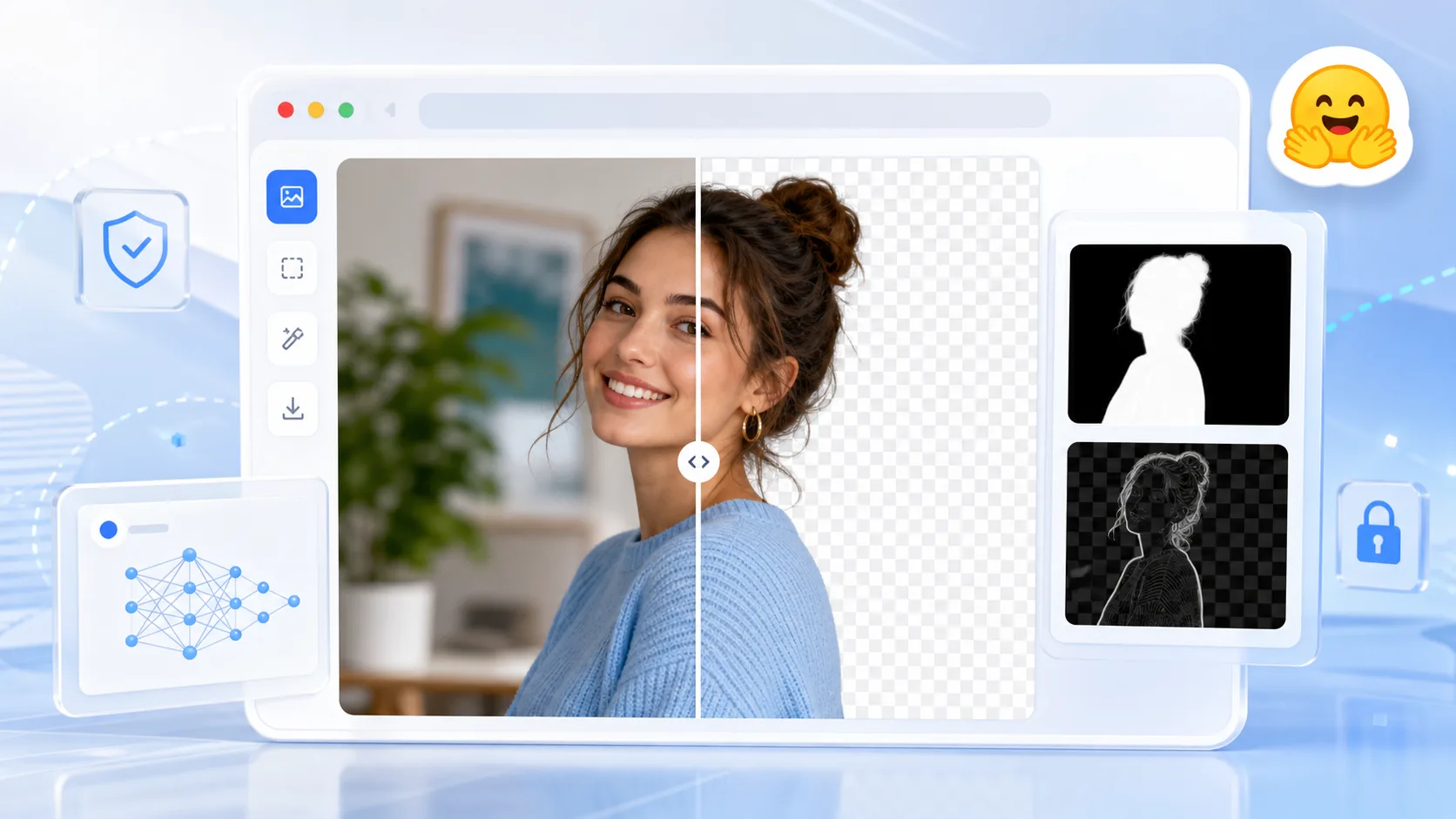
Learn how ShotEasy Photo Background Remover uses a pure web workflow and the Xenova/modnet model to create clean background cutouts in your browser.

A practical guide to reducing JPG, PNG, WebP, GIF, SVG, and AVIF file sizes before publishing images online.
Learn how to capture, crop, copy, and save screenshots directly in your browser with ShotEasy.
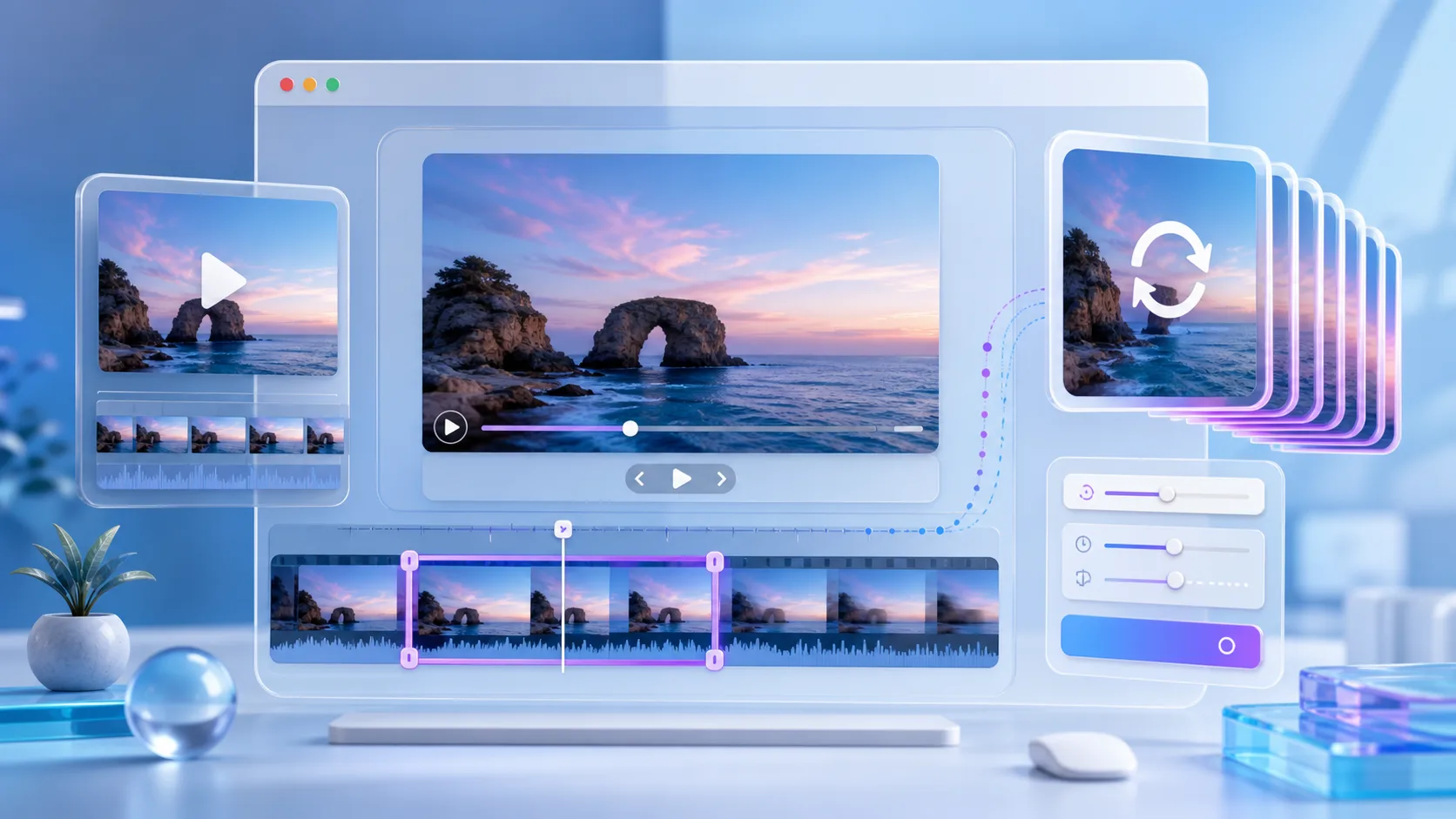
Convert MP4, MOV, and WebM clips to GIFs, trim media, and adjust output settings with ShotEasy Video Convert.
Core ShotEasy Tools
Quick links to screenshot, image, video, and local browser tools.
Copyright © 2025 ShotEasy